



Hidden Tricks Every Nissan Key Fob Has
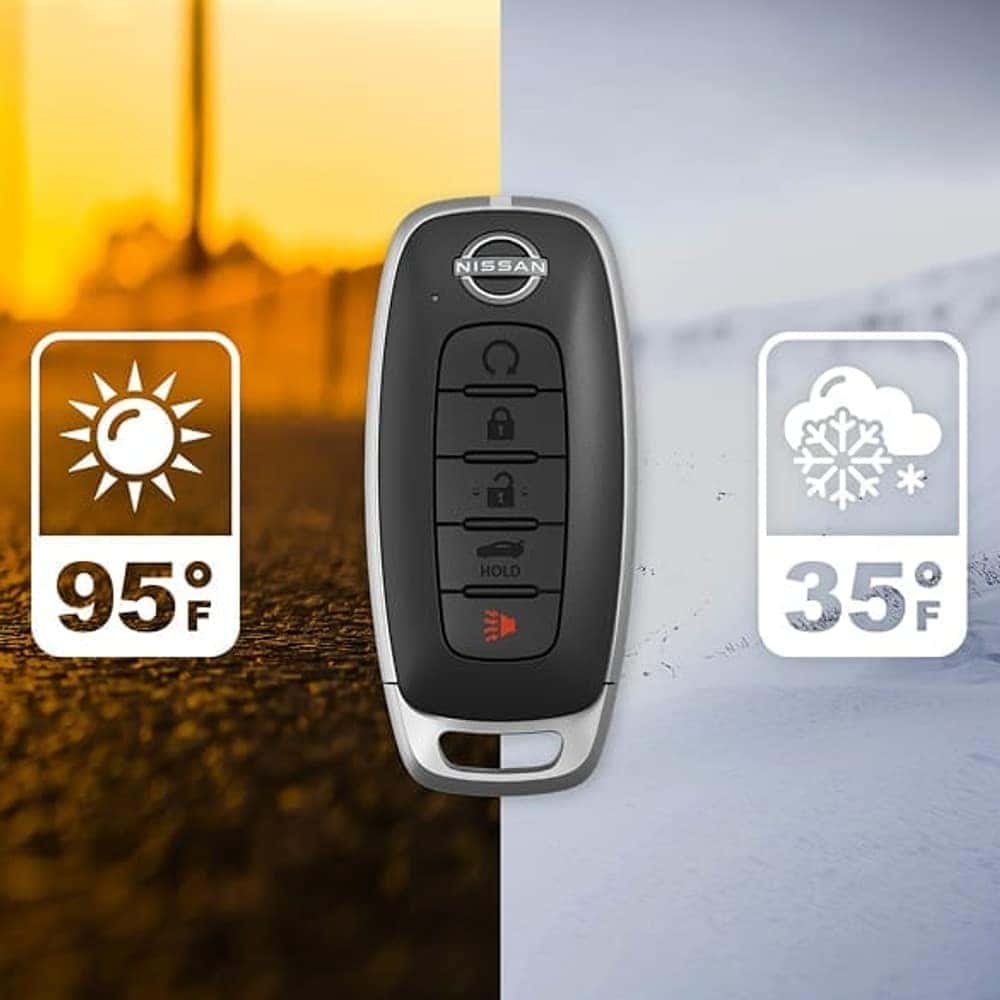
Photo Source/Copyright: NISSAN USA
Most Nissan drivers use their key fob to lock the doors, unlock the cabin, or accidentally set off the panic alarm in a crowded parking lot. Beyond those everyday habits, your Intelligent Key includes built-in convenience and backup features designed for busy errands, extreme weather, and dead-battery emergencies.
How Each Button Works
Several buttons on a Nissan fob respond differently depending on whether you press them once, tap them twice, or hold them down:
| Button | Action | Vehicle Response |
|---|---|---|
| Lock | Press once | Locks all vehicle doors |
| Unlock | Press once, then again | Unlocks driver’s door first, then all doors |
| Panic | Press | Sounds the horn and flashes exterior lights |
| Remote Start | Hold right after Lock | Starts engine and turns on parking lights |
| Liftgate / Trunk | Press and hold | Opens liftgate or trunk (if equipped) |
Keyless Entry and Push-Button Start
When you keep your Intelligent Key in a pocket or bag, you rarely need to take it out. As long as the fob stays within about 31.5 inches of the door handle, pressing the handle’s request button locks or unlocks the doors. Once inside, step on the brake pedal and push Start/Stop, and the car detects the fob in the cabin without needing a key slot.
Lowering Your Windows Before Getting In
On warm days, you can let trapped heat escape before climbing inside. Press Unlock, then hold Unlock for roughly three seconds until the windows begin lowering on equipped models, releasing the button at your preferred height. The fob won’t roll the windows back up, so you use the driver’s master switch once seated, which helps prevent accidental pinching.
Using Remote Engine Start
Remote start lets you warm up or cool down the cabin ahead of time on equipped trims:
- Starting sequence: Press Lock, then immediately hold Remote Start.
- Run time: The engine runs for 10 minutes per cycle.
- Extension: Repeat the sequence once for another 10-minute cycle.
- Driving off: Press the brake pedal and push Start/Stop once inside.
When the Fob Battery Dies
Fob batteries last roughly two years, and your display usually warns you beforehand with a Key Battery Low message. If the battery dies completely, slide the small lock knob on the back of the fob to pull out the mechanical key and unlock the driver’s door manually.
To start the engine, shift into Park, press the brake firmly, touch the fob against the Start/Stop button until a chime sounds, and push Start/Stop within 10 seconds.
Features Based on Model and Trim
Button availability depends on your vehicle’s configuration:
- Remote engine start: Available on select trims.
- Remote windows down: Included on equipped models.
- Memory link: Found on models with driver memory seating.
- Liftgate button: Included on SUVs with a power liftgate.
Frequently Asked Questions
Q: Can I program a new fob myself?
A: No. New keys must be registered at a Nissan dealer, up to four per vehicle. Bring every key you own, since registration erases existing key memory and only recognizes keys present during registration.
Q: Why must I stand right at the door for the handle button to work?
A: The short 31.5-inch radius prevents someone from opening your door while you stand a few steps away. A weak battery or nearby radio interference can shrink that range further.
Q: What if I lose a key fob?
A: Have a Nissan dealer erase the lost fob’s ID code so it can no longer unlock the car. Keep your key number plate stored safely outside the vehicle, since the dealer uses it if every key goes missing.
See It In Action
Want a quick walkthrough on your Nissan or a fresh fob battery installed? Stop by or book a visit with our service department today.